 Solar
 Solar Panels
 Solar Charge Controllers
 Mounting
 Solar Accessories
 Solar Kits
 Batteries
 Batteries
 Battery Management
 Battery Boxes
 Battery Kits
 Chargers
 Mains Chargers
 DC-DC Chargers
 Alternators & Regulators
 Charger Kits
 Inverters
 Inverters
 Inverter Kits
 Electrical
 Circuit Protection
 Connectors, Busbars & Terminals
 Switch Panels & Accessories
 240V Equipment
 EV Chargers
 Cables
 Cables
 Pre-made Leads
 Cable Management
 Converters
 DC-DC Converters
 Transformers
 Monitoring
 Monitoring
 Monitoring Kits
 Kits
 Pre-Wired Boards
 4x4/Canopy Power Systems
 Solar Kits
 Inverter Kits
 Charger Kits
 Battery Kits
 Monitoring Kits
 By Application
 Caravan, Camper & RV
 Camping & Portable
 Marine/ Boat
 4x4/4WD & Off-Road
 Off-Grid Homes & Sheds
 Golf Carts
 Portable 12V Car Chargers
 Portable 24V Bus/Truck Chargers
 By Brand
































 Pre-Wired Boards
 4x4/Canopy Power Systems
 Solar Kits
 Inverter Kits
 Charger Kits
 Battery Kits
 Monitoring Kits





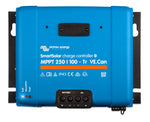


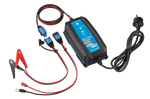

































Solar Charge Controller Communication Cables
VE.Direct, USB, RS232 and Bluetooth interfaces for connecting and monitoring solar charge controllers.






Connect, Monitor and Configure Your Solar Charge Controller
A solar charge controller reports and adjusts very little on its own. Communication cables and interfaces link it to a phone, laptop, GX device or network. This range covers Victron VE.Direct cables and interfaces, Morningstar MeterBus converters and the Genasun GV-5-MOD ribbon cable interface adapter. Each lets you read live charging data, change settings and add your controller to a wider monitoring system in caravans, RVs, boats, 4WDs, off-grid homes and commercial sites.
VE.Direct Cables and Interfaces for Victron Controllers
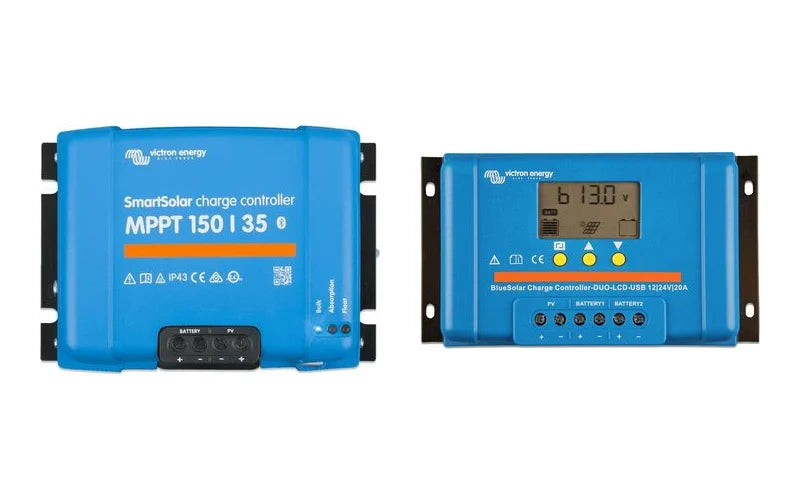
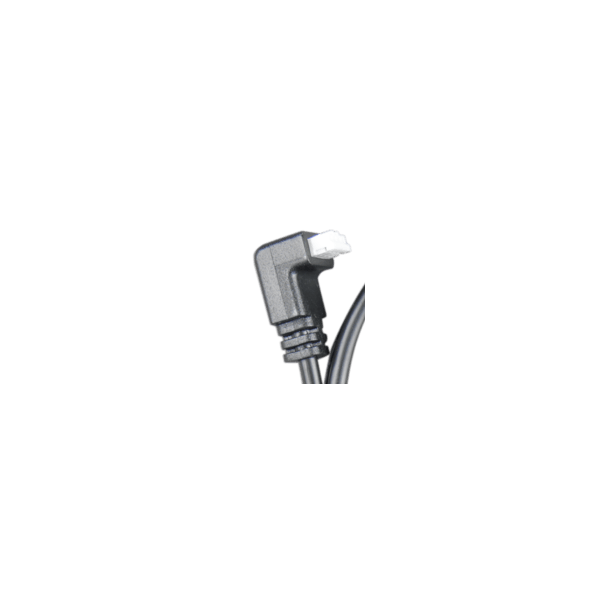
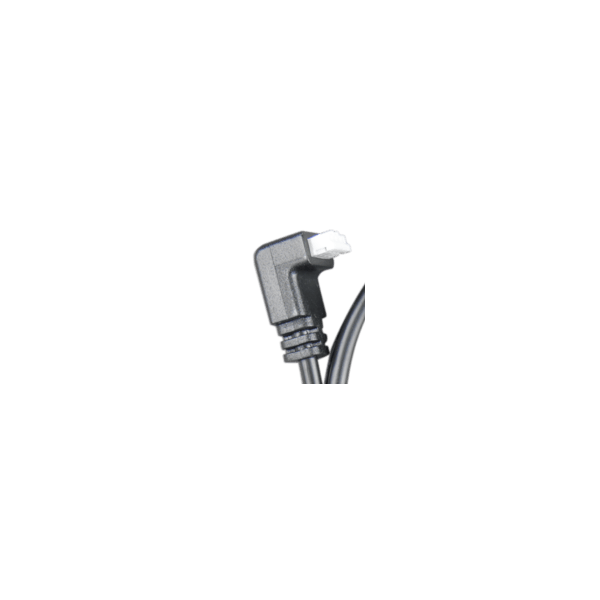
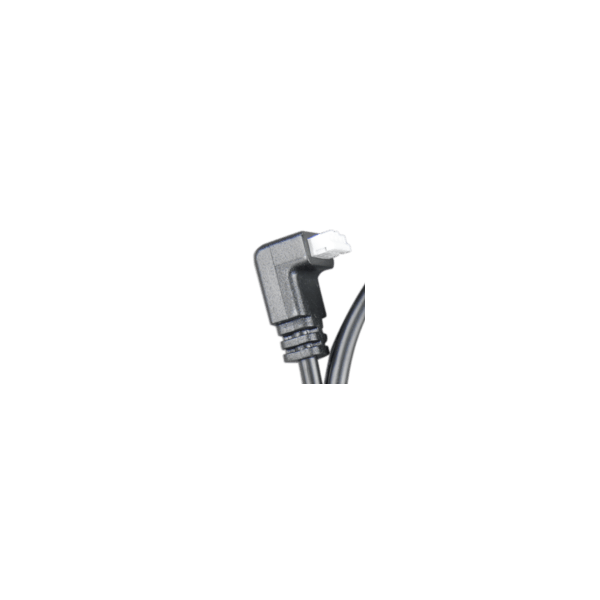
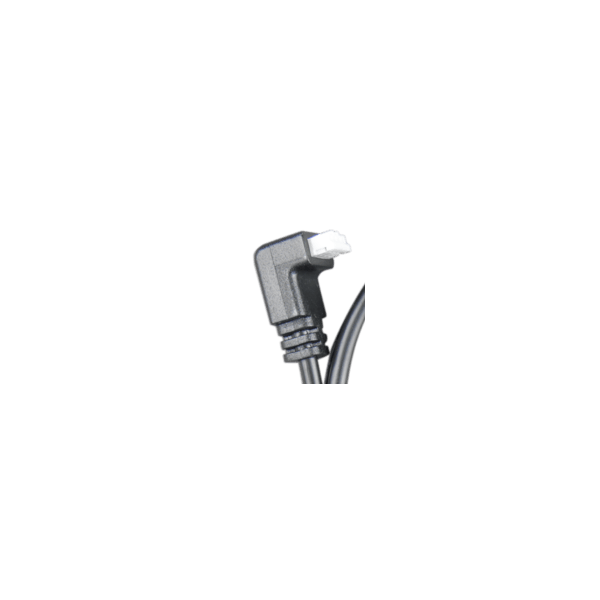
Victron's VE.Direct port carries data between SmartSolar and BlueSolar MPPT controllers and devices such as a Cerbo GX or a pluggable display. VE.Direct cables come in straight and one-side right angle versions from 0.3m to 10m. The right angle connector helps where space is tight inside cabinets, battery boxes and switchboards. Other Victron interfaces in the range include:
- VE.Direct Bluetooth Smart Dongle: adds Bluetooth to VE.Direct products that don't have it built in, so you can use the VictronConnect app on your phone or tablet.
- VE.Direct to USB and USB-C Interface Cables (1.8m): connect a controller to a computer or to a GX device's USB port.
- VE.Direct to RS232 Interface Cable and RS232 to USB Converter: link Victron equipment to serial ports and third-party systems.
- VE.Direct TX Digital Output Cable: unlocks digital output functions on supported controllers.
- VE.Direct Non-Inverting Remote On-Off Cable: provides remote on/off control through the VE.Direct port.
Morningstar and Genasun Communication Adapters
The Morningstar Ethernet MeterBus Converter connects compatible Morningstar controllers to an Ethernet network for remote monitoring. The Morningstar EIA485/RS232 converter provides serial links for data logging and system integration. For Genasun users, the GV-5-MOD Ribbon Cable Interface Adapter provides the interface connection for the GV-5-MOD controller.
How to Choose the Right Communication Cable
Start with the communication port on your controller, then match it to where the data needs to go:
Phone app monitoring: Victron controllers without built-in Bluetooth can use the VE.Direct Bluetooth Smart Dongle.
GX device or remote display: Choose a VE.Direct cable long enough to reach your monitoring point without excess slack. The right angle option suits shallow enclosures. If you're deciding on a central monitoring hub, our Victron GX device comparison explains the differences between the Cerbo, Ekrano, Color Control and Venus.
Computer or third-party systems: Choose the VE.Direct to USB or USB-C cable for modern laptops and GX USB ports. Choose the RS232 options for serial equipment. Morningstar users can pick Ethernet or EIA485/RS232 based on their network.
For on-site readouts, browse our solar charge controller displays. You can also return to the full range of solar controller accessories for sensors and wire boxes.
Get full visibility and control of your solar charging system. Choose the cable or interface that matches your controller and order today to complete your monitoring setup.