 Solar
 Solar Panels
 Solar Charge Controllers
 Mounting
 Solar Accessories
 Solar Kits
 Batteries
 Batteries
 Battery Management
 Battery Boxes
 Battery Kits
 Chargers
 Mains Chargers
 DC-DC Chargers
 Alternators & Regulators
 Charger Kits
 Inverters
 Inverters
 Inverter Kits
 Electrical
 Circuit Protection
 Connectors, Busbars & Terminals
 Switch Panels & Accessories
 240V Equipment
 EV Chargers
 Cables
 Cables
 Pre-made Leads
 Cable Management
 Converters
 DC-DC Converters
 Transformers
 Monitoring
 Monitoring
 Monitoring Kits
 Kits
 Pre-Wired Boards
 4x4/Canopy Power Systems
 Solar Kits
 Inverter Kits
 Charger Kits
 Battery Kits
 Monitoring Kits
 By Application
 Caravan, Camper & RV
 Camping & Portable
 Marine/ Boat
 4x4/4WD & Off-Road
 Off-Grid Homes & Sheds
 Golf Carts
 Portable 12V Car Chargers
 Portable 24V Bus/Truck Chargers
 By Brand



































 Pre-Wired Boards
 4x4/Canopy Power Systems
 Solar Kits
 Inverter Kits
 Charger Kits
 Battery Kits
 Monitoring Kits









































Ethernet RJ45 & RJ12 UTP Cables
Cat5e and Cat6 RJ45 patch leads plus Victron RJ12 cables from 0.3m to 30m


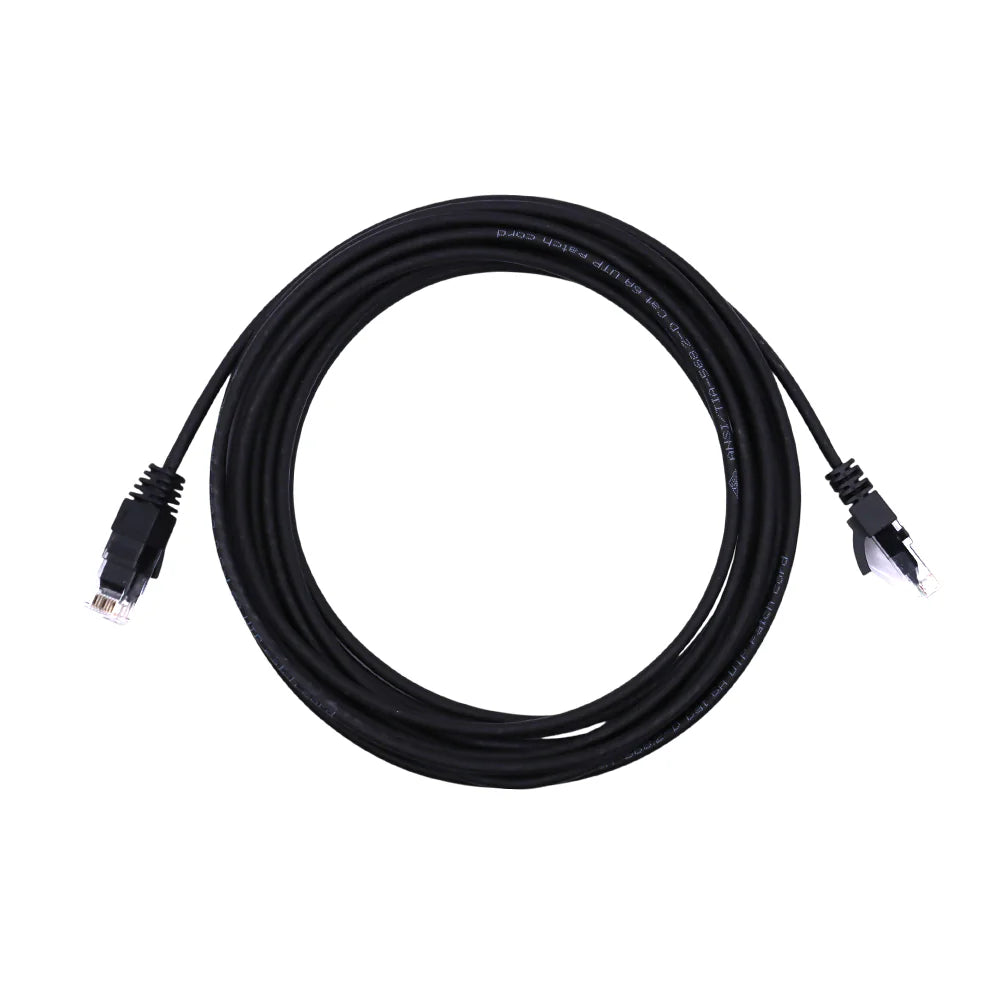

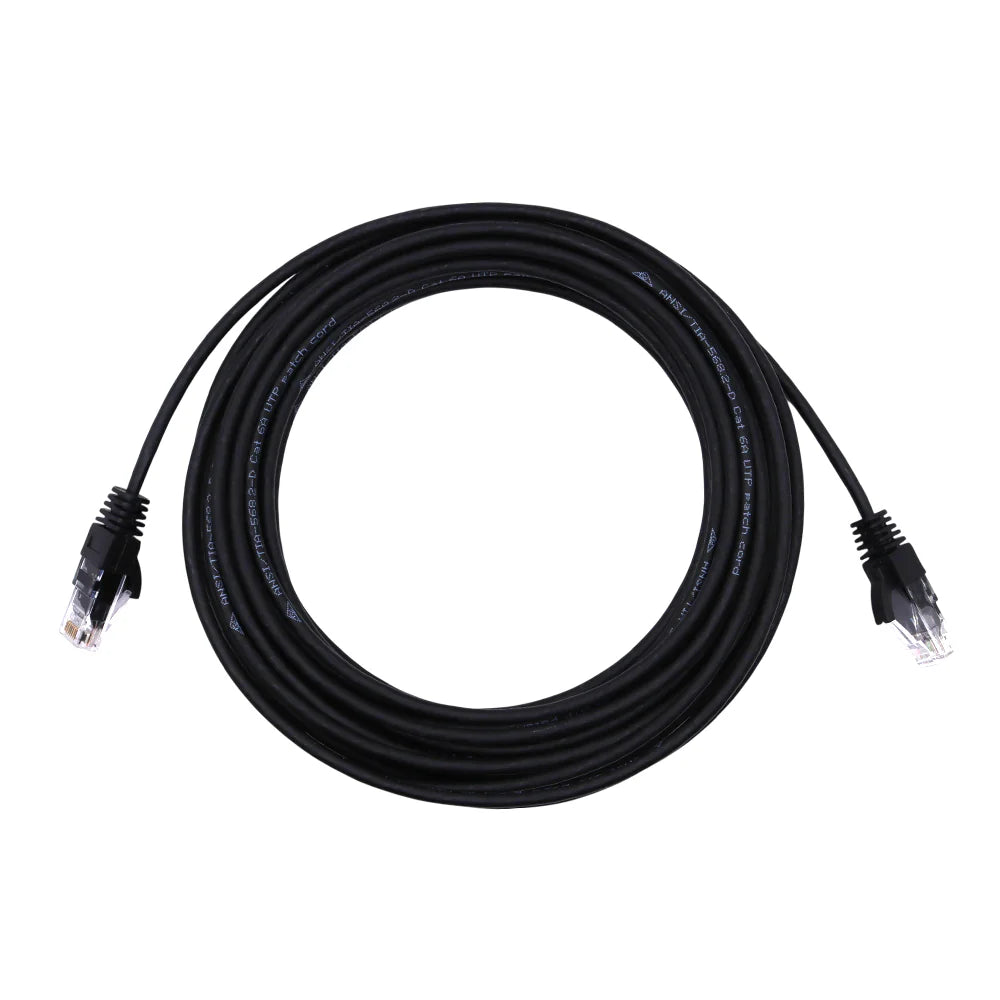

RJ45 Ethernet Patch Cables and RJ12 UTP Cables for Victron Systems
This collection covers RJ45 ethernet patch cables in Cat5e and Cat6, plus Victron RJ12 UTP cables. They are used to network and monitor energy systems in caravans, RVs, boats, 4WD builds, tiny homes and off-grid installations. Each cable is unshielded twisted pair (UTP) with factory-terminated connectors at both ends, so no crimping is needed.
What Is in the Range
- Victron Cat5e RJ45 UTP patch cables: 0.3m, 0.9m, 1.8m, 3m, 5m, 10m, 15m, 20m and 30m. Commonly used for Victron VE.Bus connections between Multi and Quattro inverter chargers, GX devices such as the Cerbo GX, and the Digital Multi Control panel.
- Exotronic Cat6 RJ45 UTP patch cables: 0.3m, 1m, 2m, 3m, 5m and 10m. Suited to LAN connections, such as linking a GX device to a router or network switch, and to general RJ45 data runs.
- Victron RJ12 UTP cables: 0.3m, 0.9m, 1.8m, 3m, 5m, 10m, 15m and 30m. Used where Victron equipment needs an RJ12 data link, such as connecting a BMV battery monitor shunt to its display.
Cat5e vs Cat6 Ethernet Cable
Both Cat5e and Cat6 cables use the same 8-pin RJ45 connector and plug into the same ports.
- Cat5e is more than adequate for the low-bandwidth data used in VE.Bus and similar communication links.
- Cat6 uses a tighter twisted-pair construction. It is a sensible choice for ethernet networking where you want extra headroom for internet and LAN traffic.
If you are wiring a Victron system, check which ports your device uses. The Victron GX comparison of Cerbo, Ekrano, Color Control and Venus outlines the VE.Bus, VE.Can and ethernet connections on each GX device.
RJ12 vs RJ45: Do Not Mix Them Up
RJ12 and RJ45 plugs look similar, but they are different:
- RJ12 is a narrower 6-position connector.
- RJ45 is a wider 8-position connector.
An RJ12 cable will not seat correctly in an RJ45 port, and the reverse also applies. Check the socket on your equipment, or the manufacturer's manual, before ordering.
Selection Tips for Matching Cable to Your Setup
- Measure the actual route, not the straight-line distance. Allow for bends, cable ties, conduit and access panels, then choose the next length up.
- Use short leads inside switchboards. 0.3m and 0.9m cables keep pre-wired boards and inverter bays tidy without coiled excess.
- Use longer runs for remote panels. 10m to 30m lengths suit a display or control panel mounted in a cabin, galley or helm away from the battery bay.
- Keep data cables away from heavy DC and AC conductors where practical. This helps reduce interference.
- Route and secure cables neatly. Products from our cable management range help protect UTP leads from chafing and vibration.
Need power or battery wiring for the same project? Browse the full cables collection.
Order the Right Length Today
Choose the exact RJ45 or RJ12 cable your Victron or network installation needs, from compact 0.3m patch leads to 30m runs. Add the correct length to your cart now for a clean, reliable data connection on your next install or upgrade.